
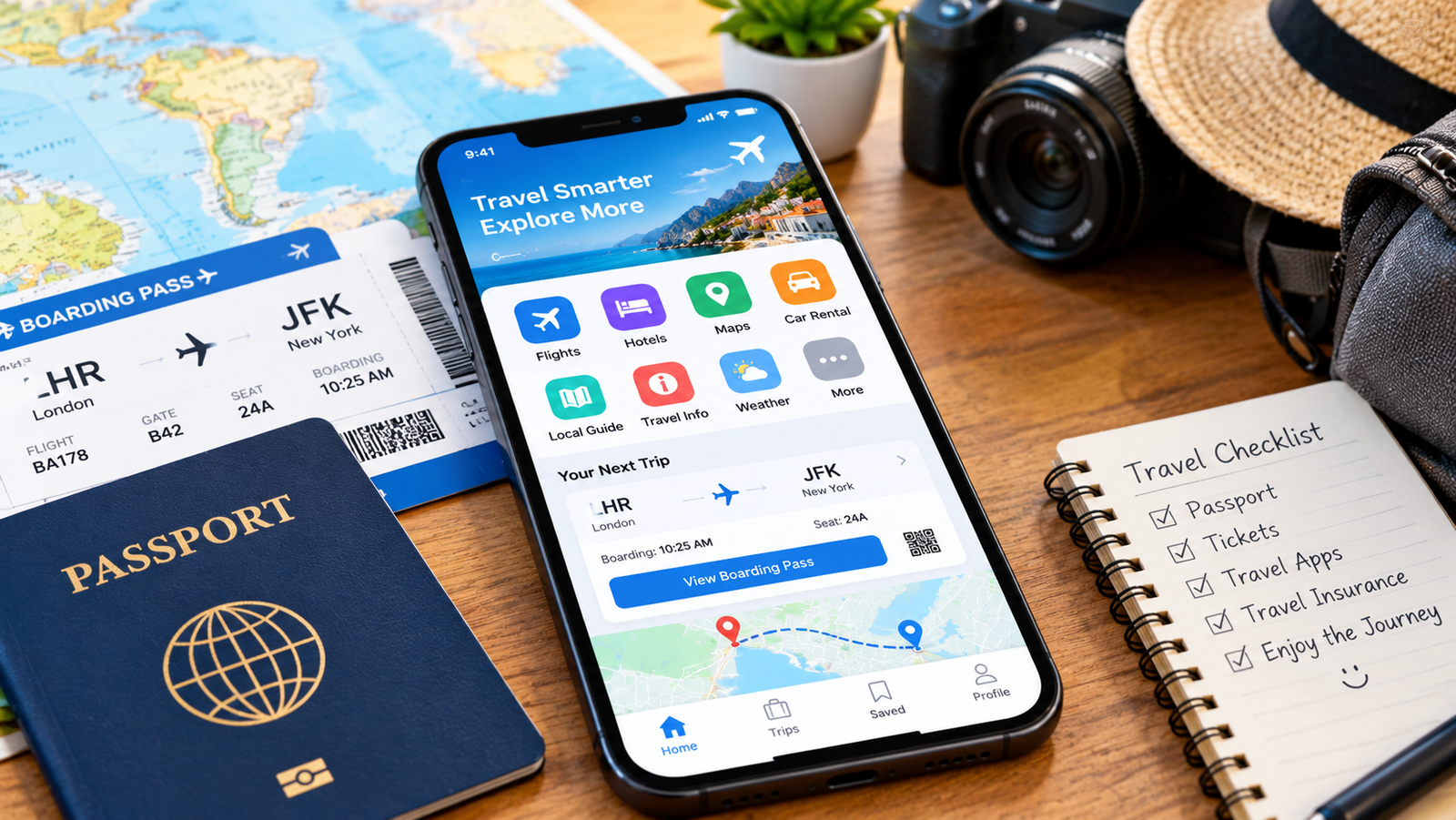
Your phone can now do the work of a map, a translator, a ticket office and a wallet, all in one pocket. But with thousands of apps on offer, it is hard to know which ones are really worth installing before you leave home. In this guide, you will find the best travel apps for planning, navigating, staying connected and staying safe, so you can travel with confidence and spend less time solving problems.
Quick Summary
- Download offline maps and translation packs before you leave home
- Use comparison apps for flights and hotels, and an organizer to keep bookings together
- Keep a currency, banking and expense app ready for easy money management
- Install a password manager and safety tools, and save emergency contacts
- Pick only a handful of apps you will really use, and test them before you travel
Table of Contents
- Offline Maps and Navigation
- Translation and Language Apps
- Flight Search and Booking
- Accommodation Apps
- Itinerary and Trip Organizers
- Currency, Banking and Expense Apps
- Local Transport and Ride Apps
- Connectivity and Messaging
- Safety and Emergency Apps
- Security, Backup and Storage
- Quick Guide to the Best Travel Apps
- Frequently Asked Questions
1Offline Maps and Navigation
A reliable map is the first app every traveler needs. Google Maps is the most popular choice, and it lets you download areas for offline use, so directions and saved places still work when you have no signal. Apple Maps works well on iPhones, and Organic Maps and Maps.me use OpenStreetMap data and are designed for offline use.
These steps make your maps far more useful on the road:
- Download the city or region on Wi-Fi before you leave your hotel or home
- Save your hotel, airport, train station and key attractions with a star or pin
- Use lists or custom maps to group places by day or by interest
- Check opening hours and recent reviews before you walk to a place
For public transport, city apps like Citymapper work in many big cities and show routes, platforms and live timings. Rome2Rio helps you compare ways to travel between two places, including trains, buses, ferries and flights. Among the best travel apps, a good map is the one you will open the most, so it is worth setting up properly.
Offline maps do not always include live traffic or transit times. Keep a screenshot of important directions, such as the route from the airport to your accommodation, just in case.
2Translation and Language Apps
You do not need to speak the language to get around, but a translation app removes a great deal of stress. Google Translate can translate typed text, speech and even text seen through your camera, such as menus and street signs. Many languages can be downloaded for offline use, so it still works without internet.
- Download the languages you need while you are on Wi-Fi
- Use the camera mode to translate menus, signs and labels instantly
- Use conversation mode for short chats with taxi drivers, shopkeepers and hosts
- Save common phrases such as “I am allergic to…” and “Where is the toilet?” so you can show them quickly
If you want to learn a few words before you go, language apps like Duolingo or Babbel make it easy to practice a little every day. Even learning “hello”, “thank you” and “please” often leads to warmer interactions. Translation is a key part of the best travel apps list, because it helps with both daily needs and emergencies.
3Flight Search and Booking
Comparison apps save time and often save money. Skyscanner, Google Flights and Kayak let you compare prices across airlines and dates, set price alerts and explore cheaper nearby airports. Once you find a good fare, it is worth checking the airline’s own website too, because it sometimes has better baggage terms or easier changes.
- Set price alerts for your route and dates, and book when the fare looks right
- Check what the fare includes, especially baggage, seat selection and change fees
- Install your airline’s official app for boarding passes, gate changes and delay alerts
- Save your booking reference and a screenshot of your boarding pass offline
Be careful with very low prices that hide extra costs, and always check the final total before you pay. If you travel with only hand luggage, our guide on how to travel light can help you stay inside the airline’s limits.
4Accommodation Apps
Where you sleep shapes your whole trip, so it is worth comparing options. Booking.com, Agoda and Expedia list a wide range of hotels and guesthouses, while Airbnb offers apartments and private rooms. Hostelworld is popular with budget and solo travelers.
- Read recent reviews, not just the overall score, and look at guest photos
- Check the exact location on the map and how far it is from transport
- Look closely at the cancellation policy before you book
- Message the host or hotel if you need a late check-in or special request
Some of the best travel apps for accommodation also offer free cancellation on many rooms, which lets you lock in a price and change your plans later if needed. Always double-check the total price, including taxes and cleaning fees, before you confirm.
5Itinerary and Trip Organizers
Trips are full of details: flight times, hotel addresses, train tickets, restaurant bookings and tours. An organizer app puts them all in one place. TripIt can build an itinerary automatically from the confirmation emails you forward to it, and Wanderlog lets you plan routes and places on a map and share them with companions.
If you prefer a simple method, a shared document or note works well too, as long as it is available offline. Whatever you choose, include:
- Flight, train and bus details, with confirmation numbers
- Hotel names, addresses and phone numbers, ideally in the local language as well
- Booked activities and their opening times
- Emergency contacts and your insurance policy number
A tidy itinerary helps you avoid missed connections and makes it easy to share your plans with family at home. For more ideas on what to pack and prepare, read our guide on essential travel gear every adventurer must have.
6Currency, Banking and Expense Apps
Money apps help you understand prices and avoid unpleasant surprises. XE and similar currency converters show exchange rates and many work offline with the last saved rate. Your own bank’s app is just as important, since it lets you freeze a lost card, check recent transactions and receive alerts.
- Use a currency converter to compare prices quickly while you shop
- Turn on instant transaction alerts in your bank app
- Consider a travel-friendly multi-currency account or card, where available in your country
- Use Splitwise or a similar app to share costs fairly in a group
Fees for foreign payments and withdrawals differ between banks, so check your own bank’s terms before you travel. For more on protecting your cards and cash, see our guide on how to keep your money and passport safe abroad.
7Local Transport and Ride Apps
Taxis and tuk-tuks are a common place for overcharging, so a ride app can give you a clear price and a record of your trip. The best apps depend on the country: Uber works in many places, while Bolt, Grab, Careem and others are strong in specific regions. Check which one is popular at your destination before you arrive.
- Compare the estimated price before you confirm the ride
- Check the driver’s name, photo and number plate match the app
- Share your trip with a friend, especially at night
- Keep some local cash in case the app or card fails
For trains and buses, look for the official app of the rail or bus operator, which often has the cheapest fares and live timetables. Among the best travel apps for getting around, local apps are often more useful than global ones, so do a quick search for your destination.
8Connectivity and Messaging
Staying online helps with maps, translation, bookings and keeping in touch. Roaming can be expensive, so many travelers choose an eSIM or a local SIM card. Apps like Airalo let you buy data plans for many countries before you travel, if your phone supports eSIM. Check that your phone is unlocked first.
- Compare roaming, local SIM and eSIM prices for your destination
- Install WhatsApp or another messaging app so you can contact hosts, guides and family
- Download offline content, such as maps, music and shows, before long journeys
- Switch off data roaming if you are not using a plan, to avoid surprise charges
Free Wi-Fi in cafes and airports is convenient but not always secure, so avoid logging into banking apps on public networks unless you use a trusted VPN.
9Safety and Emergency Apps
Safety tools give you peace of mind, especially when you travel alone. Start by saving the local emergency number and the address of your embassy or consulate. Many governments publish official travel advice, and some offer apps or alert services for citizens abroad. For example, you can read current guidance on your destination in the official foreign travel advice before you go.
- Share your live location with a trusted person when you travel to new areas
- Turn on “Find My” or “Find My Device” in case your phone is lost or stolen
- Save your insurance details and the insurer’s emergency number
- Use a weather app to check conditions before hiking or boat trips
Health apps can help too. Keep a note of your medicines, allergies and blood type on your phone’s emergency screen. For more advice on staying well on the road, read our guide on how to stay healthy and fit while travelling.
10Security, Backup and Storage
Your phone holds your tickets, documents and accounts, so protect it. A password manager such as Bitwarden or 1Password keeps strong, unique passwords safe, and means you do not need to remember them. Turn on two-factor authentication for your email and bank accounts.
- Back up your photos and files to the cloud so you do not lose memories if your phone is lost
- Save scans of your passport, visa and tickets in a protected folder
- Make key files available offline in Google Drive, iCloud or a similar service
- Use a screen lock and update your apps before you leave
A small power bank is just as important as any app, because a dead phone makes every other app useless. Also be careful about permissions and only download apps from official stores, since fake apps are a common risk.
Quick Guide to the Best Travel Apps
If you only want a short list, this table shows the best travel apps for each need. Pick one app per category, install it and test it at home before you leave. App features, prices and availability change, so check what works in your country.
| What You Need | Example Apps | Why It Helps |
|---|---|---|
| Maps and navigation | Google Maps, Organic Maps, Citymapper | Offline directions, saved places and public transport routes |
| Translation | Google Translate, Duolingo | Read menus and signs, talk to locals and learn basic phrases |
| Flights | Skyscanner, Google Flights, airline apps | Compare fares, set price alerts and get gate updates |
| Hotels and stays | Booking.com, Airbnb, Agoda, Hostelworld | Compare prices, reviews and cancellation terms |
| Trip planning | TripIt, Wanderlog | Keep every booking and plan in one place |
| Money | XE, your bank app, Splitwise | Convert currencies, track spending and share group costs |
| Rides and transport | Uber, Bolt, Grab, Careem | Clear prices and trip records |
| Connectivity | Airalo, WhatsApp | Affordable data and easy messaging |
| Security | Bitwarden, 1Password, cloud storage | Protect passwords and back up your documents |
Too many apps can slow your phone, drain the battery and confuse you. A small set of well-chosen apps that you have tested works better than dozens you never open.
Frequently Asked Questions
What are the best travel apps for beginners?
Start with an offline map app, a translation app, an airline or flight comparison app and your bank’s app. Add an itinerary organizer and a messaging app, and you have everything you need for most trips.
Do I need internet to use travel apps abroad?
Not for all of them. Many map and translation apps let you download data in advance, so they work offline. Booking, ride and messaging apps usually need a connection, so consider an eSIM, a local SIM or reliable Wi-Fi.
Are free travel apps good enough?
Yes. Most of the apps in this guide have a free version that covers the main features. Paid upgrades can add extras like advanced alerts or extra storage, but they are rarely essential.
How can I stop travel apps draining my battery?
Turn down screen brightness, close apps you are not using, use offline maps instead of constant live navigation and carry a power bank. Turning on battery saver mode also helps on long days.
Are travel apps safe to use?
Download apps only from official stores, check reviews and permissions, keep your phone updated and use strong passwords with two-factor authentication. Avoid entering payment details on public Wi-Fi.
Final Thoughts on the Best Travel Apps
The best travel apps are the ones that make your trip simpler and safer without cluttering your phone. Download offline maps and translation packs, compare flights and hotels, keep your plans in one organizer, manage your money with care and protect your accounts with strong passwords. Test everything at home, keep a small power bank handy and remember that apps are only helpers. With a smart setup, your phone becomes the most useful travel companion you own, and you are free to enjoy the journey itself.
Keep Planning Your Next Trip
Explore more practical advice and destination ideas on TourVister.
More Travel Tips Travel Guides